


 By Kenvin Le - March 12, 2020
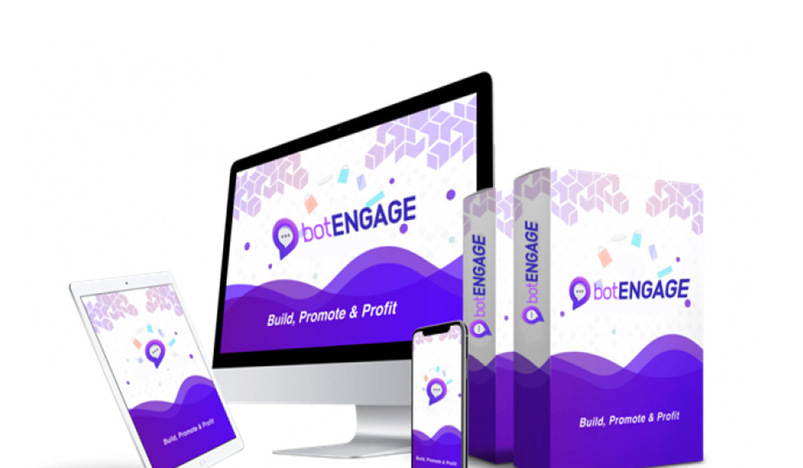
Chatbot marketing software can help you get leads faster and make your site more effective. Thanks to technological advancement, new tools and software are available for everyone to take advantage of. All these tools can help in improving your business.
Chatbots are necessary marketing software, and of late, they have become prevalent. So, if you’re looking for a perfect chatbot tool, then you should consider BotEngage. It’s not a chatbot everyone is used to. It comes as a complete package that helps you create outstanding chatbots and boost your e-commerce business.
Would you like to know more about this software? Well, here the BotEngage review:
What’s BotEngage?
BotEngage is a tool for creating different kinds of chatbots. With this software, anyone can easily make custom bots. Further, the tool is user-friendly, making it easier for anyone to use even without advanced technical skills. BotEngage is cloud-based, meaning you don’t have to download or install anything. All you need is your laptop with an internet connection. You can log in anytime, from anyplace and get access to your campaign.
Who Should Use BotEngage?
BotEngage is a perfect tool for any marketer, particularly on social media. This tool comes with wonderful features that you can use to create professional and engaging chatbots easily and fast.
Additionally, BotEngage can be useful for all local agencies and business owners to make their online business better. If you’re a business owner, you can use BotEngage to track and evaluate customer data. You can also make bug-free and expert-level bots to provide your customers with a convenient experience.
BotEngage Key Features
Visual Stories Builder
You can efficiently utilize this feature to design chatbots according to your site. You don’t need any technical assistance as the interface is very easy-to-use.
Create FAQs with ease
You can take your chatbots to a notch higher by using the FAQ maker feature. That enables you to create engaging FAQ chatbots with just a few clicks.
Template Diary
This is another fantastic feature. The feature lets you select templates and customize them according to your needs. That helps in saving time.
Why Use BotEngage?
Typically, there are lots of chatbot software out there, but most of them don’t offer excellent services. For that reason, you should be careful when choosing a chatbot tool. BotEngage is one of the best software the market is offering so far. Here’s why.
Easy to use
BotEngage is user-friendly. As mentioned, the tool is cloud-based, meaning you don’t require downloading and installing any software. You also don’t require high-end skills to use this tool. It comes with a simple interface and a wide range of options that you’ll choose depending on your needs. Moreover, its design is easy; you only need to customize your templates and leave the rest to the software.
Better customer engagement
With BotEngage, you can now respond to your customers and interact with them easily. You don’t need to spend all your valuable time chatting with the audience. All you need to do is create a quality chatbot, and BotEngage will handle the rest.
Enhanced customer support
Without better dependable customer support, you won’t be able to satisfy your customers’ needs. That will affect your business significantly. Chatbots are one of the best ways of improving customer support. BotEngage allows you to design high-end chatbots that can assist you, customers, to answer their queries.
The Final Thought
If you’re looking to create fantastic chatbots without any hustle, BotEngage is the tool to choose from. It’s user-friendly and convenient. You don’t need to worry about downloading or installing any software or system compatibility as it’s entirely cloud-based. Just log in from anyplace, anytime, and access all your campaigns!


_20-08-2026_05-08.jpg)
_27-51-2026_11-51.png)
_27-43-2026_12-43.png)



.jpg)
.jpg)




.jpg)


.jpg)
.png)
.jpg)













Leave a comment